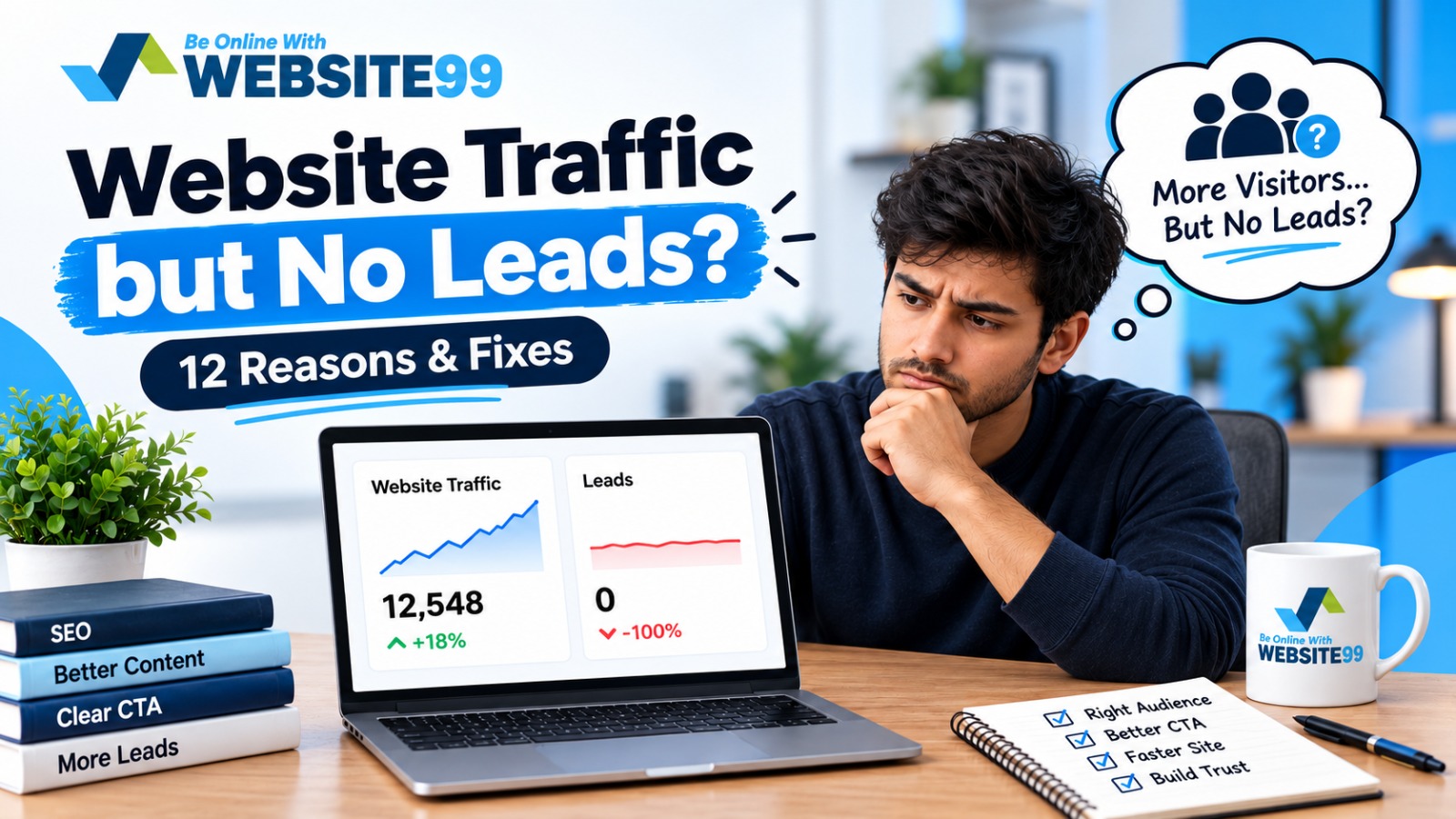
Quick answer: Traffic without leads almost always comes down to one of three breakdowns: the wrong visitors are landing on your site, the right visitors can't figure out what to do once they're there, or trust signals are missing at the exact moment someone is deciding whether to contact you. Below are the 12 most common causes we see businesses run into, along with the specific fix for each one.
It's one of the most frustrating problems in digital marketing: your analytics dashboard shows steady or even growing traffic, but your inbox stays empty. No form fills, no calls, no inquiries. If this sounds familiar, the good news is that traffic-without-leads is almost always fixable — it just requires knowing where to look.
At Website99, we've audited and rebuilt websites for 300+ businesses over the past 6+ years, and "we're getting visitors but no leads" is one of the most common requests we hear. In nearly every case, the cause falls into one (or several) of the reasons below.
The problem: High traffic doesn't mean qualified traffic. If your SEO or ads are bringing in people searching for something adjacent to your business — not your actual product or service — they'll leave without converting, no matter how good your site is.
The fix: Check your top landing pages in Google Analytics against the keywords driving traffic (via Google Search Console). If visitors are arriving through informational searches ("what is X") rather than commercial or local-intent searches ("X near me," "best X for Y"), realign your content and keyword targeting toward intent that matches people ready to buy or inquire.
The problem: Many websites bury their contact button below the fold, use vague labels like "Submit," or simply forget to repeat the CTA throughout the page.
The fix: Every page should have a clear, specific CTA above the fold and repeated at least once more further down. Replace generic text ("Submit," "Learn More") with action-oriented, benefit-driven language ("Get a Free Quote," "Book Your Consultation").
The problem: Visitors decide whether to stay or leave within seconds. A slow-loading site — especially on mobile — pushes potential leads away before they even see your offer.
The fix: Run your site through Google PageSpeed Insights. Compress images, enable caching, and remove unnecessary scripts or plugins. For most small business sites, getting load time under 2–3 seconds makes a measurable difference in lead capture.
The problem: If a majority of your traffic comes from mobile devices (which is true for most businesses in 2026) and your site is hard to navigate, read, or fill out forms on a phone, visitors will bounce.
The fix: Test your site on multiple phone sizes. Make sure buttons are tappable, text is readable without zooming, and forms are short and mobile-optimized.
The problem: If a visitor can't tell what you do, who you help, and why you're different within 5–10 seconds of landing, they'll leave to find a competitor who makes it obvious.
The fix: Your homepage headline should answer three things immediately: what you offer, who it's for, and what makes you worth choosing. Avoid vague taglines — be specific and direct.
The problem: People don't convert on websites they don't trust. Missing reviews, testimonials, certifications, or case studies leave visitors unsure whether you're credible.
The fix: Add client testimonials, star ratings, logos of businesses you've worked with, certifications, or before/after results near your CTAs — not buried on a separate "testimonials" page no one visits.
The problem: Long forms with unnecessary fields (full address, company size, budget range, etc.) discourage people from completing them, especially on mobile.
The fix: Strip your lead form down to the essentials — typically name, email or phone, and one qualifying question. You can always gather more details in a follow-up conversation.
The problem: If your blog or landing pages rank for a keyword but the content doesn't actually answer what the searcher wanted, they'll bounce immediately — which also hurts your SEO over time.
The fix: Review your top-performing pages and ask: does this content give the searcher exactly what the keyword implies they wanted? Rewrite pages that technically rank but don't convert.
The problem: Not every visitor is ready to buy immediately. If your only CTA is "Contact Us Now" with no lower-commitment option, you lose people who aren't ready for that step yet.
The fix: Offer a secondary, lower-friction conversion path — a free guide, a quick quiz, a newsletter signup, or a free consultation — to capture leads who need more time.
The problem: Design impacts trust more than most business owners realize. An outdated layout, inconsistent branding, or cluttered pages can make visitors question your credibility, even if your business itself is excellent.
The fix: A clean, modern, well-organized design signals professionalism. If your site hasn't been redesigned in several years, it may be quietly costing you leads.
The problem: Most visitors won't convert on their first visit. Without a retargeting strategy, you lose the opportunity to bring them back when they're ready.
The fix: Set up retargeting ads (Google or Meta) for visitors who didn't fill out a form, and consider an email capture (like a free resource) to stay in touch with people who aren't ready to commit yet.
The problem: Sometimes the issue isn't visible to visitors at all — a broken contact form, a tracking pixel that's misfiring, or a form that submits but doesn't notify you.
The fix: Test every form and CTA yourself regularly. Confirm that submissions are actually reaching your inbox or CRM, and check your analytics setup to ensure conversions are being tracked correctly in the first place.
| # | Reason | Fix |
|---|---|---|
| 1 | Wrong audience | Realign keywords and content with buyer intent |
| 2 | Weak or hidden CTA | Clear, repeated, benefit-driven CTAs |
| 3 | Slow load speed | Optimize images, caching, scripts |
| 4 | Not mobile-friendly | Test and optimize for mobile usability |
| 5 | Unclear value proposition | Make your headline specific and direct |
| 6 | No trust signals | Add testimonials, reviews, certifications near CTAs |
| 7 | Forms ask too much | Shorten forms to essential fields only |
| 8 | Content doesn't match intent | Rewrite pages to fully answer the search query |
| 9 | No low-commitment next step | Offer a secondary, lower-friction option |
| 10 | Outdated design | Modernize layout and branding |
| 11 | No retargeting | Set up retargeting ads and email capture |
| 12 | Technical/tracking issues | Test forms and verify tracking regularly |
Rather than guessing, walk through this short process:
In our experience auditing underperforming websites at Website99, it's rarely just one issue — usually two or three of these factors are compounding at once, which is why traffic can look healthy while leads stay flat.
This typically happens when traffic doesn't match buyer intent, the call-to-action isn't clear or visible, or trust signals are missing. Reviewing your keyword intent, CTA placement, and page design usually reveals the cause.
Yes. Visitors often leave within seconds if a page loads slowly, especially on mobile. Even a 1–2 second delay can noticeably reduce form submissions and conversions.
Check Google Search Console to see which keywords are driving traffic. If most searches are informational rather than commercial or local-intent, your traffic may not be ready to convert.
Not necessarily. Many lead issues can be fixed with targeted changes to CTAs, forms, page speed, and trust signals before a full redesign is needed. A redesign is worth considering if the site is outdated, hard to navigate, or technically limited.
Some fixes, like clarifying a CTA or shortening a form, can show results within days. SEO and content-related fixes, like realigning keyword intent, typically take a few weeks to a few months to reflect in lead numbers.
Why is my website not converting visitors into customers?
Low conversion usually comes down to a mismatch between what visitors expect and what the page delivers, unclear calls-to-action, or a lack of trust signals that reassure visitors before they commit.
What is a good conversion rate for a website?
Average website conversion rates typically fall between 2–5%, though this varies by industry. If your site is converting well below 2%, it's worth auditing for the issues outlined above.
How can I increase leads from my existing website traffic?
Focus on improving CTA visibility, shortening lead forms, adding trust signals like testimonials, and ensuring your content matches what visitors were searching for in the first place — often this alone can meaningfully increase leads without needing more traffic.
Traffic is only valuable if it leads somewhere. The good news is that most "traffic but no leads" problems come down to a handful of fixable issues — audience mismatch, unclear CTAs, trust gaps, or technical friction — not a fundamental flaw in your business.
If you're seeing this pattern on your own website and aren't sure where the leak is, the team at Website99 has spent over 6 years diagnosing exactly this problem for businesses across industries. Get in touch with us and we'll help you find out where your leads are disappearing.

WEBSITE99 has been designing websites, developing applications, and managing search engine optimization for the past ten years. WEBSITE99 is a one-stop shop for all your digital requirements. You name it, we've got it, premium quality at the lowest price possible.